
Proplix topic library
Sales & Marketing Hub
CRM profiles, campaign management, email consent, public content, workflow automation and connected client work.
36 guides in this topic · Browse all topics
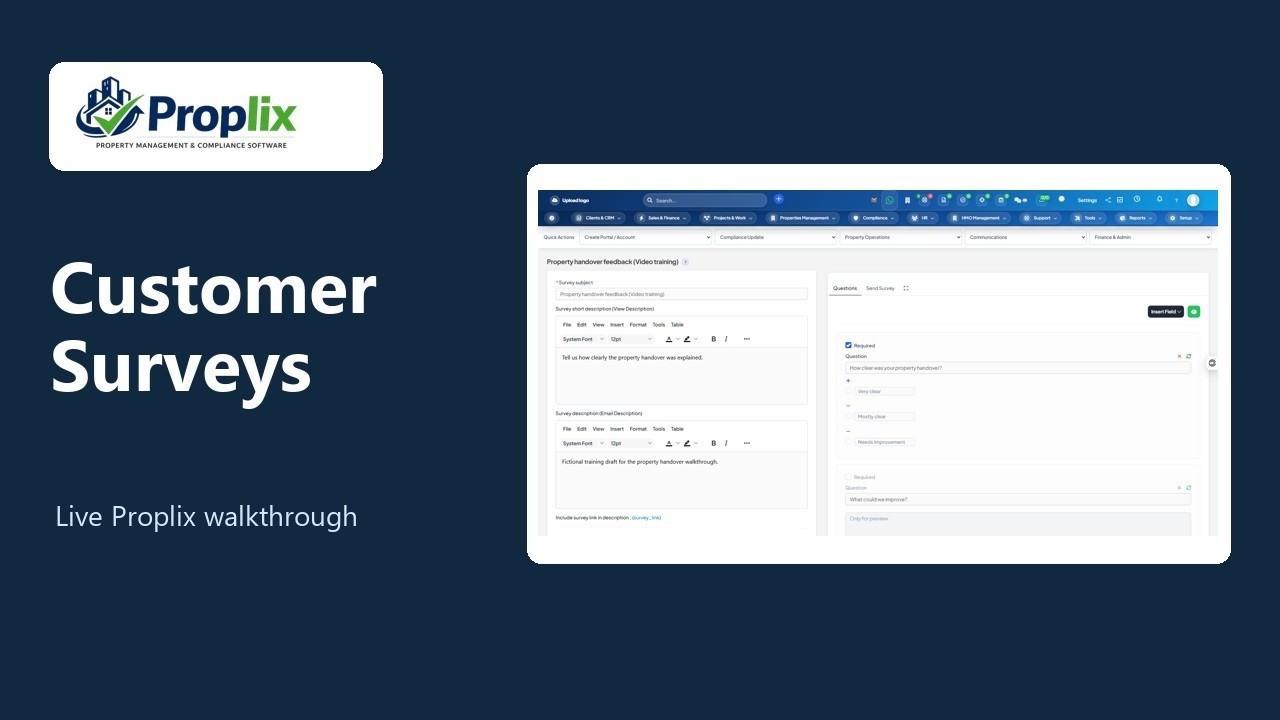
Create a customer feedback survey
Follow one Marketing Hub workflow from drafting the survey to previewing both questions.
Topic library
Sales & Marketing Hub guides
36 guides · Showing 25–36. Search by task, field, module or question.
Set future-event workflow enrolment and re-enrolment rules
Start approved workflows from new CRM events while controlling eligibility, ownership and repeated enrolment.
Read the guide →Sales & Marketing HubSet workflow execution hours and completion goals
Keep workflow actions within a chosen local-time window and stop a journey when its completion criteria are met.
Read the guide →Sales & Marketing HubTest, enrol and control workflow or sequence runs
Separate dry tests from live enrolment and use run history, pause, resume and cancellation without losing the execution context.
Read the guide →Sales & Marketing HubCreate explainable fit and activity lead scoring models
Combine explicit profile rules with recent completed Hub activity and review the score calculation before applying it.
Read the guide →Sales & Marketing HubAssess records and apply reviewed scores in Intelligence desk
Explain a record’s score, deliberately update its profile and create a permitted follow-up task when the evidence supports it.
Read the guide →Sales & Marketing HubReview deal follow-up risk with Revenue Rescue and Deal Radar
Prioritise visible open deals using explicit missing-date and stale-activity signals, then inspect the original deal before acting.
Read the guide →Sales & Marketing HubRehearse a campaign before launch
Check a bounded sample of campaign assets, recipient eligibility and workflow branches without publishing, enrolling or sending.
Read the guide →Sales & Marketing HubUse the shared client workspace across CRM and Sales
Open one permission-aware view of a client’s existing tasks, sales work, documents, finance, projects and email without copying the source records.
Read the guide →Sales & Marketing HubCreate client tasks and reminders, and open original documents
Hand follow-up work to native Tasks, set timed reminders and reach permitted letters, contracts and compliance evidence from the client workspace.
Read the guide →Sales & Marketing HubReview client email and prepare a reply in the existing mailbox
Find authorised client messages and save a composed email or reply as a native mailbox draft for final review.
Read the guide →Sales & Marketing HubUse connected Sales deals, Hub analytics and workspace status
Move between the native deal workspace and Hub reporting while keeping campaign counts, sales metrics and connection status in their proper context.
Read the guide →Sales & Marketing HubResolve Hub permissions, approval, delivery and workflow errors
Find the affected layer, preserve the current resource revision and resolve the actual cause before repeating an action.
Read the guide →