Technical planning before connection
How Authentication Security fits into dependable property operations
The strongest starting point is the work people actually complete, including the exceptions that rarely appear in a process diagram. A dependable integration begins with an agreed operational outcome and a clear source of truth. Moving data between systems is only valuable when ownership, field meaning, timing and failure handling are understood by both technical and business teams.
01 · People and permissions
Give each role enough context to act
Product owners define the business outcome, technical teams control authentication and mapping, and operational users confirm that the connected workflow behaves sensibly. Security and privacy responsibilities should be explicit rather than assumed between suppliers. For Authentication Security, that means access should follow an evidenced business need and change when responsibility changes.
02 · Handover and evidence
Keep the reason beside the action
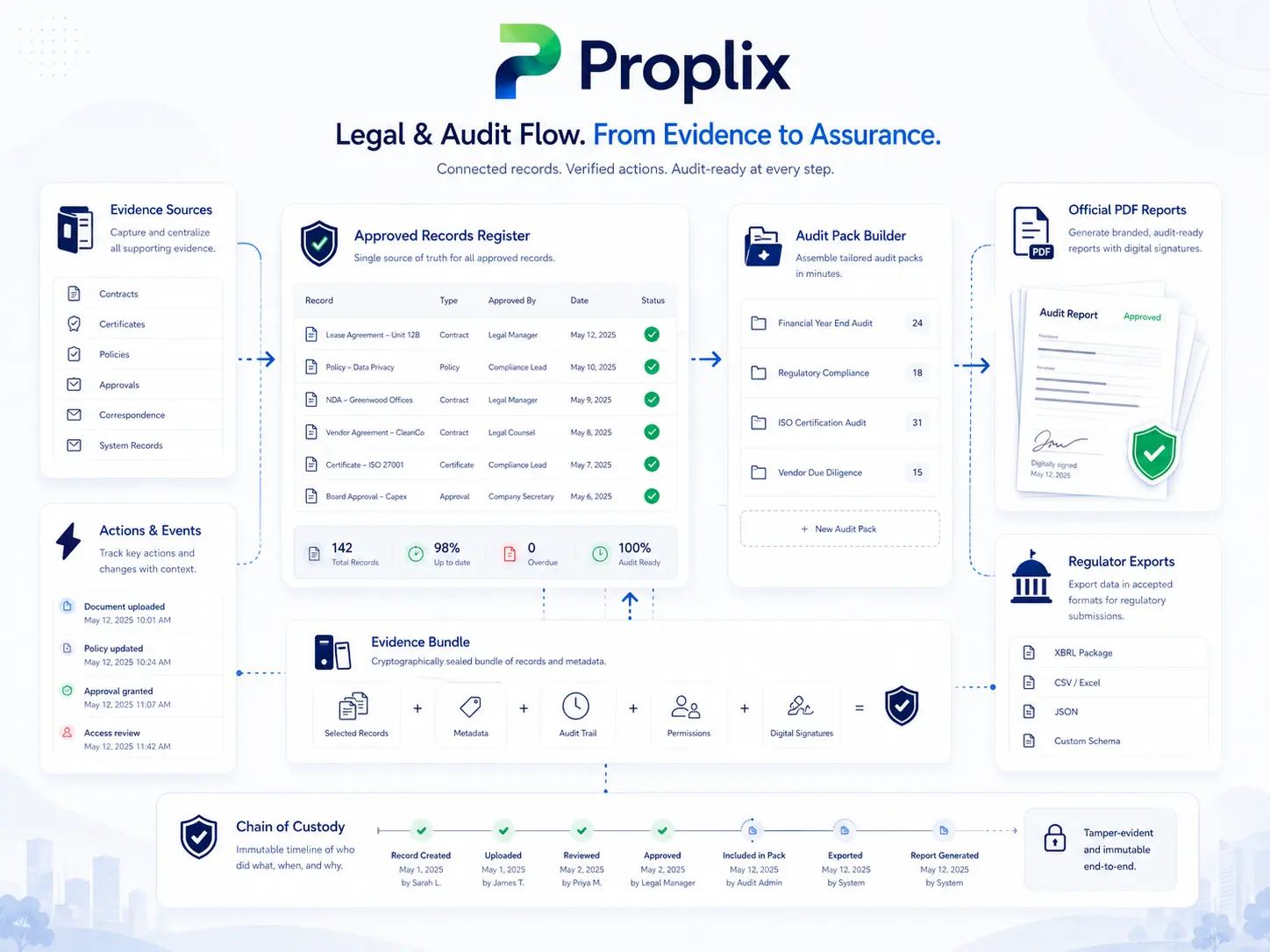
The implementation record should identify endpoints or transfer methods, data direction, permissions, field mappings, retries, alerts and support ownership. When a transfer fails, teams need to know whether data was rejected, delayed or partially processed. This makes the Authentication Security record more useful during absence, escalation, service review or a later audit.
03 · Exceptions
Design for the case that does not fit
Property work includes incomplete forms, late evidence, changed instructions, unavailable suppliers and circumstances requiring discretion. The system should expose those exceptions, preserve notes and direct them to an authorised person instead of silently forcing a misleading “complete” status.
04 · Implementation
Configure from representative work
Use representative test data, including empty values, duplicates, invalid formats, permission failures and higher-volume periods. Deployment should include rollback or containment arrangements, monitoring and a documented route for changing credentials or mappings safely. Document what remains outside the system as well, so teams understand the boundary between Proplix, connected services and professional responsibility.
05 · Review
Measure whether the work is improving
Track failed events, reconciliation differences, delayed updates, support effort and the business tasks the connection successfully removes. Technical availability alone does not prove that the end-to-end operational result is correct. Review findings with the people completing Authentication Security work, because a dashboard may not reveal the manual workaround being used beside it.
06 · Ongoing control
Keep guidance, permissions and records current
Ownership, legislation, services and internal policies change. Schedule periodic checks of access, templates, notifications, integrations and retained information. Record material changes and brief affected users so the configured workflow continues to reflect the organisation’s approved way of working.
Proplix supports structured workflow and evidence handling; it does not provide legal advice or remove the need for competent human review. Discuss your organisation, migration or integration requirements through the central secure enquiry route.
Discuss Authentication Security requirements →
What a well-run Authentication Security process should make clearer
A member of staff opening the record should be able to understand its purpose, current status, owner and next meaningful action without first asking several colleagues for background. That does not mean every case follows an identical path. It means the agreed route is visible, departures are explained and supporting material remains beside the decision it informed. For Authentication Security work, clarity is especially important when the case moves between teams or returns after a period of inactivity.
The day-to-day experience should also make uncertainty honest. Missing evidence, a disputed instruction or a review awaiting specialist input should be shown as an exception, not hidden behind a reassuring colour or forced completion state. Managers can then direct attention where it is useful, while staff retain a record of the checks already completed. This approach supports a more natural conversation with landlords, tenants, suppliers, clients and colleagues because updates come from a current operational record rather than a hurried reconstruction.
Good information design reduces unnecessary detail without removing useful context. Labels should use the language the organisation actually understands; permissions should reflect real responsibilities; and notifications should be reserved for events that require awareness or action. When every minor system event generates an alert, important work becomes harder to see. A considered Authentication Security configuration therefore balances automation with judgement and gives authorised users a practical way to explain, reassign or escalate unusual work.
Implementation is not finished when data has been imported or users have received a login. Teams need time to test live examples, compare the configured route with policy, correct weak source information and agree how questions will be handled after launch. Early reviews should look for duplicated entry, private spreadsheets, unclear ownership and steps that users routinely bypass. Those observations are useful evidence: they show where the design, training or operating decision still needs attention rather than placing all responsibility on the person using the system.
Over time, the organisation should be able to show whether Authentication Security work is becoming easier to complete and easier to explain. Useful evidence may include fewer avoidable chasers, faster retrieval, more complete handovers, better-quality submissions and a smaller backlog of unresolved exceptions. Measures should be read alongside real cases and user feedback. Proplix provides the connected workspace for that improvement, while accountable people remain responsible for policy, professional decisions and the service ultimately delivered.