
General Client category
Projects, Tasks & Support in the Proplix General Client flow
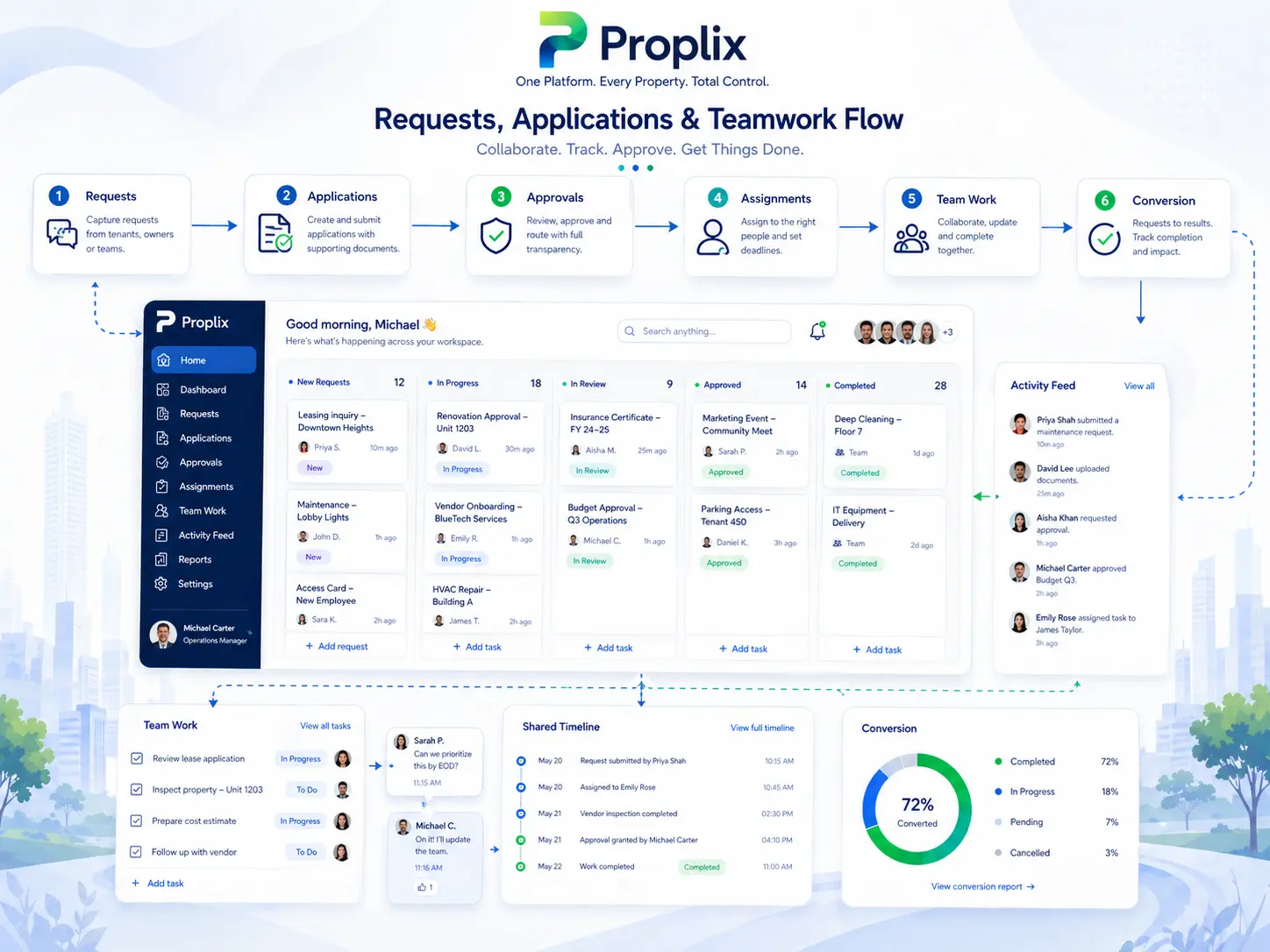
Once a relationship becomes active, the business usually needs more than just billing and documents. It needs delivery. That can mean projects, internal tasks, service follow-through, support tickets or a broader record of work in progress. In the verified Proplix build, those operational layers already exist and can be understood as part of the wider General Client journey.
This is where the client account becomes a working record rather than a sales record. The team can see what is being done, what still needs attention, what support has already been provided and how service activity connects back to the same customer relationship.
Verified current build
What this category actually covers
The audited Proplix help centre confirms that projects, tasks and support are native operational areas, and they become more useful when tied back to the right client record.
This category shows how the General Client record can grow into a true delivery record inside Proplix, helping the business connect account structure with real service activity.
Exact feature areas in this part of Proplix
This list is written as a practical explanation layer for the public website and is grounded in the verified current Proplix build and help audit.
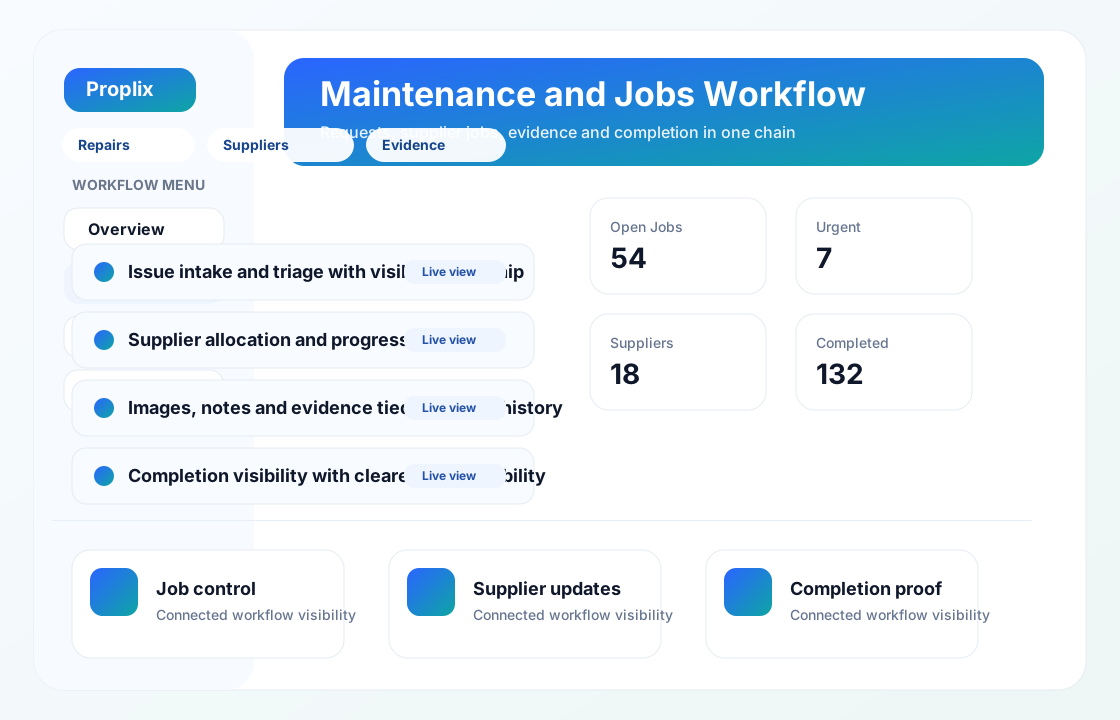
- Project workflow around milestones, files, discussions and linked activity.
- Task handling for internal delivery and follow-through.
- Support or ticket-led service movement around the client relationship.
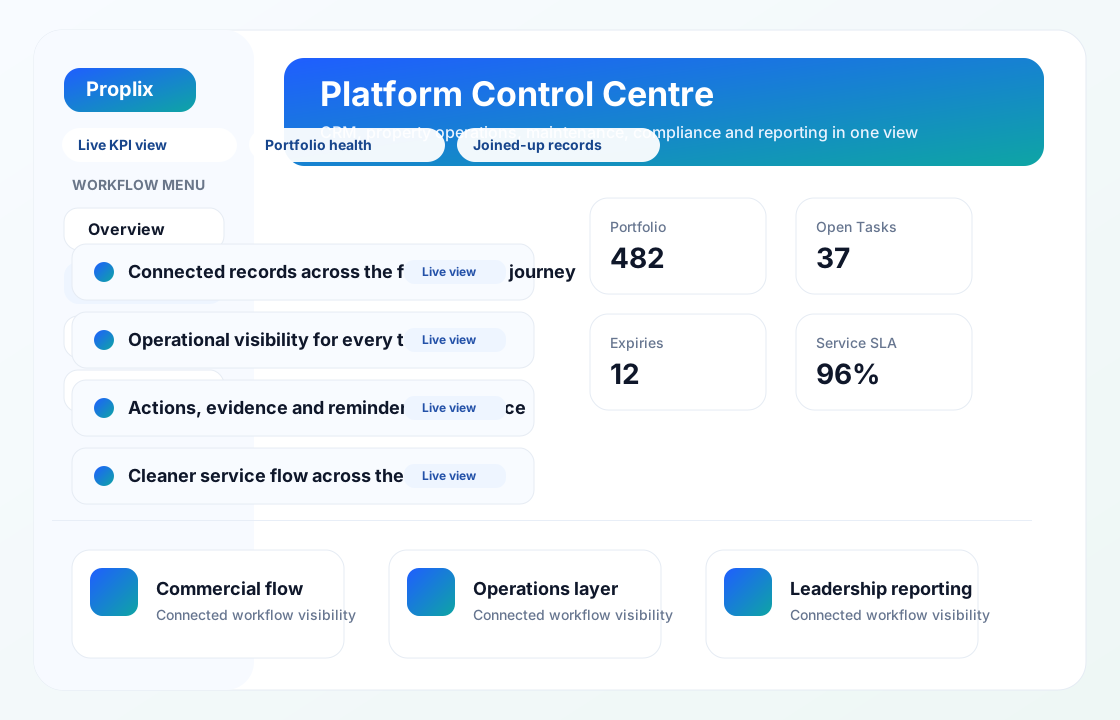
- Cleaner visibility of what the team is doing for the customer.
- A stronger bridge between account creation and live service delivery.
How this workflow behaves in practice
Rather than treating the client account as a static record, Proplix uses it as part of a connected workflow where information, actions and history remain much easier to follow.
01
Turn the account into a live service relationship
After the customer exists in the platform, the business can attach active work to the same record context.
02
Coordinate work through projects and tasks
Project and task layers give the team structure around what must be delivered and by whom.
03
Preserve support history
Ticket or support-style workflow becomes easier to review when it sits closer to the account rather than in a disconnected help channel.
04
Improve delivery clarity
The wider benefit is visibility: staff can understand not only who the client is, but also what is actively happening for them.
Linked verified guidance
These help pages are already part of the verified Proplix help centre and support the same feature flow explained on this public page.
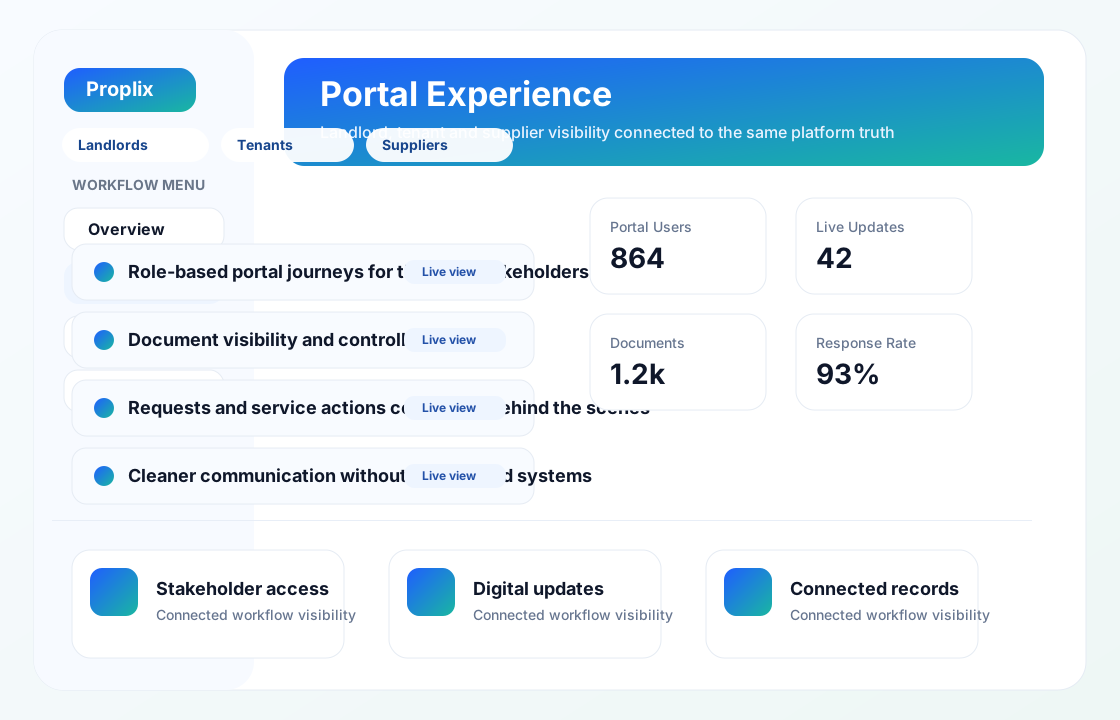
A controlled view for each participant
How Projects Tasks And Support fits into dependable property operations
The strongest starting point is the work people actually complete, including the exceptions that rarely appear in a process diagram. A portal should not be a second disconnected database. It should present an authorised view of the same property operation so that a request, document, decision or update remains connected with the internal record that staff use.
Give each role enough context to act
Different participants have different reasons for signing in. A tenant may report a repair, a landlord may review portfolio activity, a supplier may update a job and a staff member may need wider operational context. Permissions must follow those responsibilities precisely. For Projects Tasks And Support, that means access should follow an evidenced business need and change when responsibility changes.
Keep the reason beside the action
Good portal workflow confirms what was submitted, who now owns it and what the participant should expect next. Internal teams should receive enough context to act without asking the user to repeat information already supplied through the portal. This makes the Projects Tasks And Support record more useful during absence, escalation, service review or a later audit.
Design for the case that does not fit
Property work includes incomplete forms, late evidence, changed instructions, unavailable suppliers and circumstances requiring discretion. The system should expose those exceptions, preserve notes and direct them to an authorised person instead of silently forcing a misleading “complete” status.
Configure from representative work
Before launch, test ordinary and awkward journeys with representative users, including missing evidence, incorrect selections, delegated access and closed cases. Clear labels, accessible forms and reliable failure messages matter as much as the visual design. Document what remains outside the system as well, so teams understand the boundary between Proplix, connected services and professional responsibility.
Measure whether the work is improving
Review successful task completion, repeat contact, abandoned journeys, response times and permission-related incidents. A portal is useful when it removes uncertainty while preserving human support for situations that do not fit the standard route. Review findings with the people completing Projects Tasks And Support work, because a dashboard may not reveal the manual workaround being used beside it.
Keep guidance, permissions and records current
Ownership, legislation, services and internal policies change. Schedule periodic checks of access, templates, notifications, integrations and retained information. Record material changes and brief affected users so the configured workflow continues to reflect the organisation’s approved way of working.
Proplix supports structured workflow and evidence handling; it does not provide legal advice or remove the need for competent human review. Discuss your organisation, migration or integration requirements through the central secure enquiry route.
Discuss Projects Tasks And Support requirements →Plan your next step
Bring a typical case, the systems you use and the main problem you want to solve. Together we can map the records, responsibilities and checks needed for a useful first release.
Explore software integrations, compare enterprise modules or discuss a custom property workflow. The agreed scope will explain what is included, what needs configuration and how your team will be supported.