
Reporting and control
Support business broker records with stronger reporting, settings and control
Once specialist records become part of daily operations, the business also needs visibility and control around them. Proplix is more valuable when Business Brokers records sit inside a wider environment that supports reporting, review, settings and internal governance.
That helps organisations scale more safely. Instead of storing specialist data without structure, teams can work within a clearer model where access, oversight and record stewardship remain easier to manage.
How Proplix helps
Why control matters around specialist records
Specialist records create value only when the business can also manage them properly. That includes visibility for leadership, clarity for administrators and better support for role-based internal use.
A stronger Proplix setup therefore treats Business Brokers as part of a governed operating environment rather than a loose collection of names with no supporting control layer around them.
Key feature areas in this workflow
The points below explain the practical value of this part of the Business Brokers route inside the wider Proplix operating model.
- Better reporting awareness around specialist broker records.
- Cleaner settings and administrative handling within the wider platform.
- Stronger internal oversight and governance.
- Improved long-term manageability as the dataset grows.
- A more scalable structure for specialist operational records.
How this works in practice
These steps explain the practical operating logic behind this part of the Business Brokers flow in Proplix.
01
Review the dataset
Understand how specialist records are being used across the business.
02
Support internal governance
Keep administration and oversight closer to the working data.
03
Protect operational clarity
Help teams work within a more controlled environment.
04
Scale more confidently
Make specialist record handling easier to manage as complexity grows.
Related Proplix guidance
These verified help pages support the same working areas described on this page and help visitors explore the wider Proplix workflow around broker-related records.
Why this matters for real operations
The more valuable the dataset becomes, the more important it is to surround it with the right visibility and internal control.
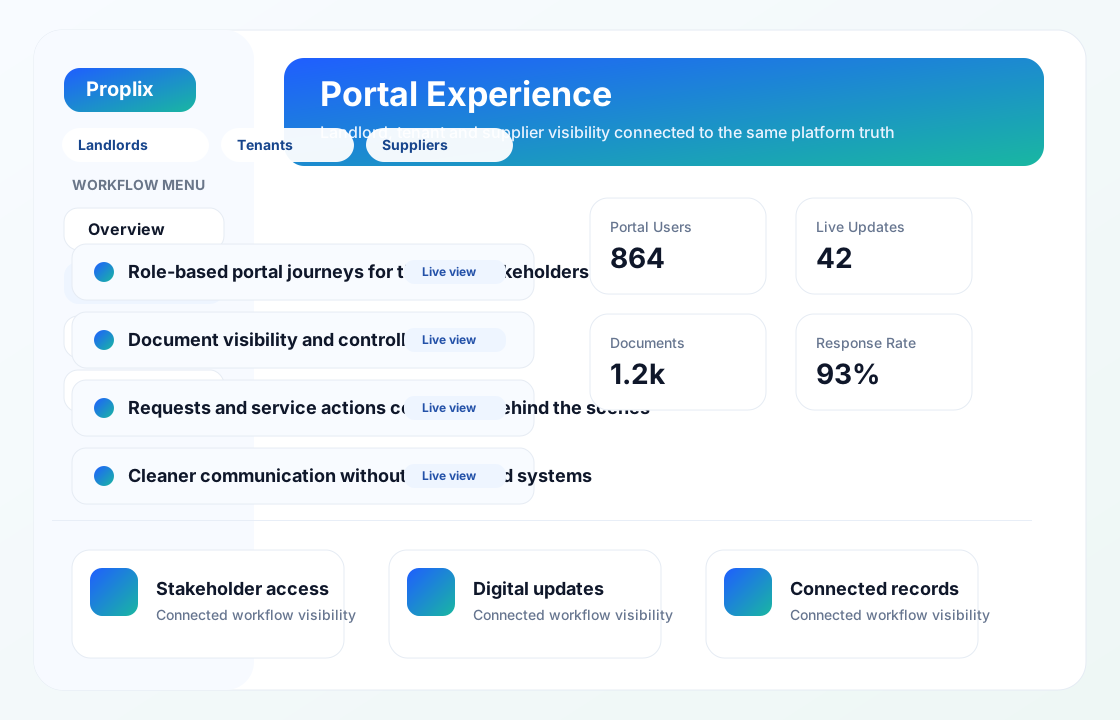
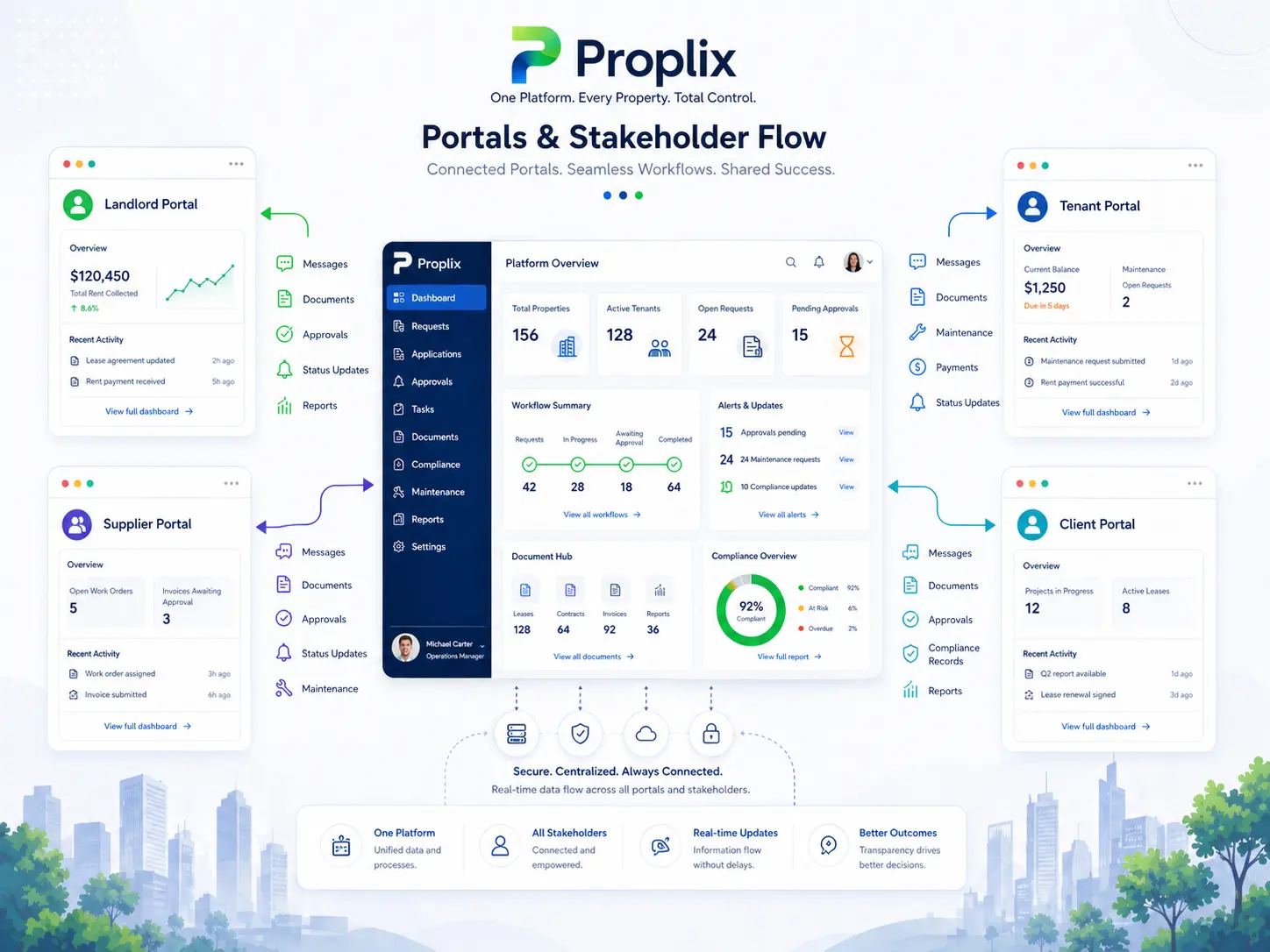
A controlled view for each participant
How Reporting Settings And Admin Control fits into dependable property operations
The strongest starting point is the work people actually complete, including the exceptions that rarely appear in a process diagram. A portal should not be a second disconnected database. It should present an authorised view of the same property operation so that a request, document, decision or update remains connected with the internal record that staff use.
Give each role enough context to act
Different participants have different reasons for signing in. A tenant may report a repair, a landlord may review portfolio activity, a supplier may update a job and a staff member may need wider operational context. Permissions must follow those responsibilities precisely. For Reporting Settings And Admin Control, that means access should follow an evidenced business need and change when responsibility changes.
Keep the reason beside the action
Good portal workflow confirms what was submitted, who now owns it and what the participant should expect next. Internal teams should receive enough context to act without asking the user to repeat information already supplied through the portal. This makes the Reporting Settings And Admin Control record more useful during absence, escalation, service review or a later audit.
Design for the case that does not fit
Property work includes incomplete forms, late evidence, changed instructions, unavailable suppliers and circumstances requiring discretion. The system should expose those exceptions, preserve notes and direct them to an authorised person instead of silently forcing a misleading “complete” status.
Configure from representative work
Before launch, test ordinary and awkward journeys with representative users, including missing evidence, incorrect selections, delegated access and closed cases. Clear labels, accessible forms and reliable failure messages matter as much as the visual design. Document what remains outside the system as well, so teams understand the boundary between Proplix, connected services and professional responsibility.
Measure whether the work is improving
Review successful task completion, repeat contact, abandoned journeys, response times and permission-related incidents. A portal is useful when it removes uncertainty while preserving human support for situations that do not fit the standard route. Review findings with the people completing Reporting Settings And Admin Control work, because a dashboard may not reveal the manual workaround being used beside it.
Keep guidance, permissions and records current
Ownership, legislation, services and internal policies change. Schedule periodic checks of access, templates, notifications, integrations and retained information. Record material changes and brief affected users so the configured workflow continues to reflect the organisation’s approved way of working.
Proplix supports structured workflow and evidence handling; it does not provide legal advice or remove the need for competent human review. Discuss your organisation, migration or integration requirements through the central secure enquiry route.
Discuss Reporting Settings And Admin Control requirements →Plan your next step
Bring a typical case, the systems you use and the main problem you want to solve. Together we can map the records, responsibilities and checks needed for a useful first release.
Explore software integrations, compare enterprise modules or discuss a custom property workflow. The agreed scope will explain what is included, what needs configuration and how your team will be supported.