
Make ownership of appointments clear
Identify the calendar that controls availability and the system that confirms the appointment. Agree what happens when a visit changes, a staff member leaves or an external participant declines.
Property software integration
Viewings, inspections and contractor visits depend on people knowing where they need to be and what is expected. A focused connection can make those handovers easier without creating conflicting calendars or duplicate tasks.
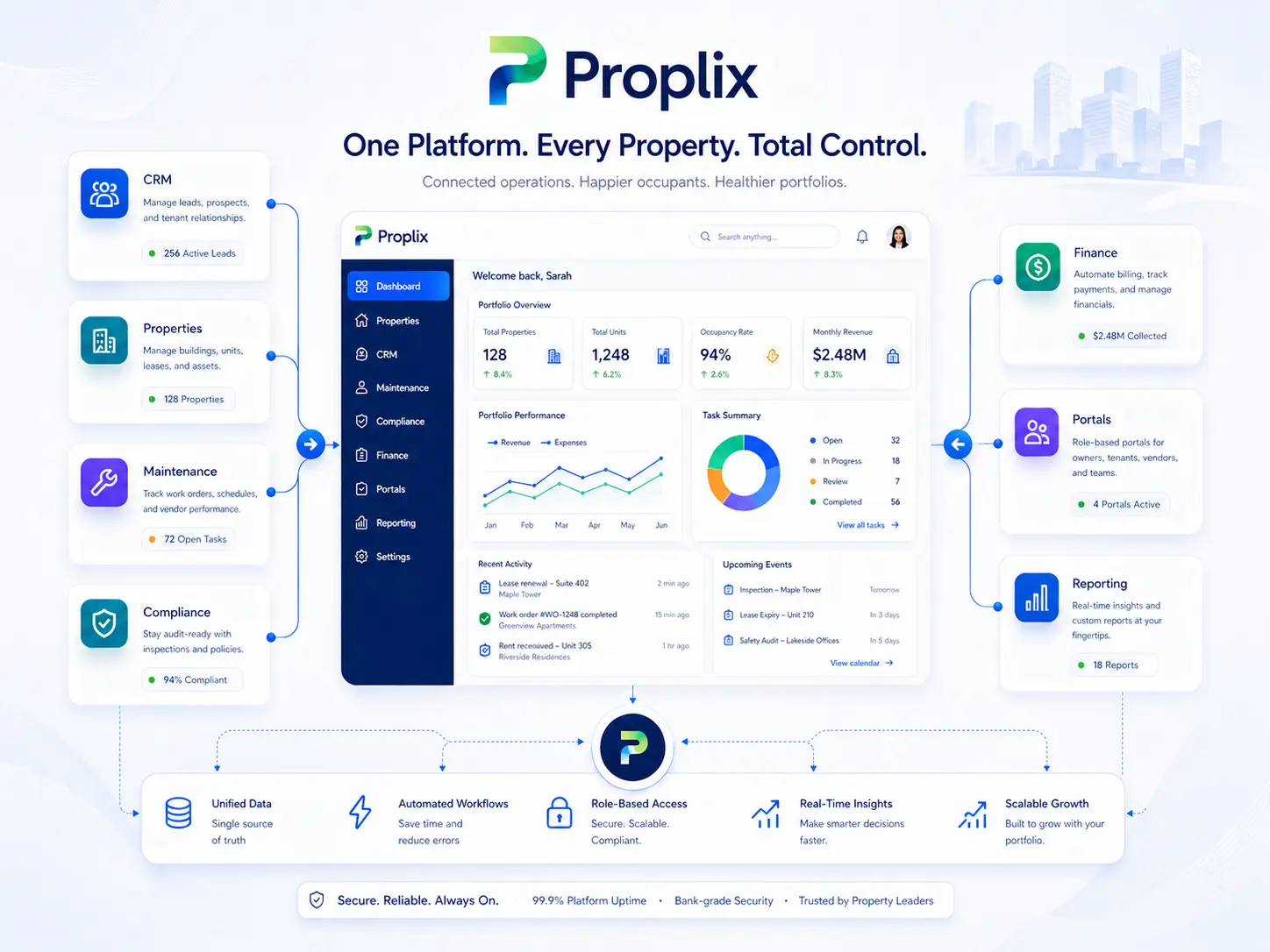
Microsoft 365, Google Workspace, Microsoft Teams, Slack and Zoom, subject to supported access and agreed scope.
These are options available on request. Provider access, licensing, technical feasibility and delivery scope are confirmed before implementation.
Identify the calendar that controls availability and the system that confirms the appointment. Agree what happens when a visit changes, a staff member leaves or an external participant declines.
Choose a small set of useful notifications, such as a newly assigned job or a change requiring approval. Include enough context to find the Proplix record while avoiding unnecessary personal information in shared channels.
Check time zones, recurring events, cancellations, duplicate updates and permission changes. Define how users recognise a failed sync and who resolves it. Provider subscriptions and administrative permissions are confirmed before implementation.
That is not always desirable or supported. Each connection needs clear record ownership and conflict rules. The proposal specifies the fields and direction of exchange.
Existing organisational accounts can be assessed. Required subscriptions, permissions and access depend on the selected workflow and provider.
Tell us which systems you use, the records that need to move and the problem you want to solve. Include your current subscriptions, expected volumes and the people responsible for approval and support.
Read about data migration, access and security or custom modules before discussing your requirements.
Plan the right route
Bring one real workflow to a Proplix walkthrough. Explore the records, handovers and decisions that matter to your team, then agree a practical next step.