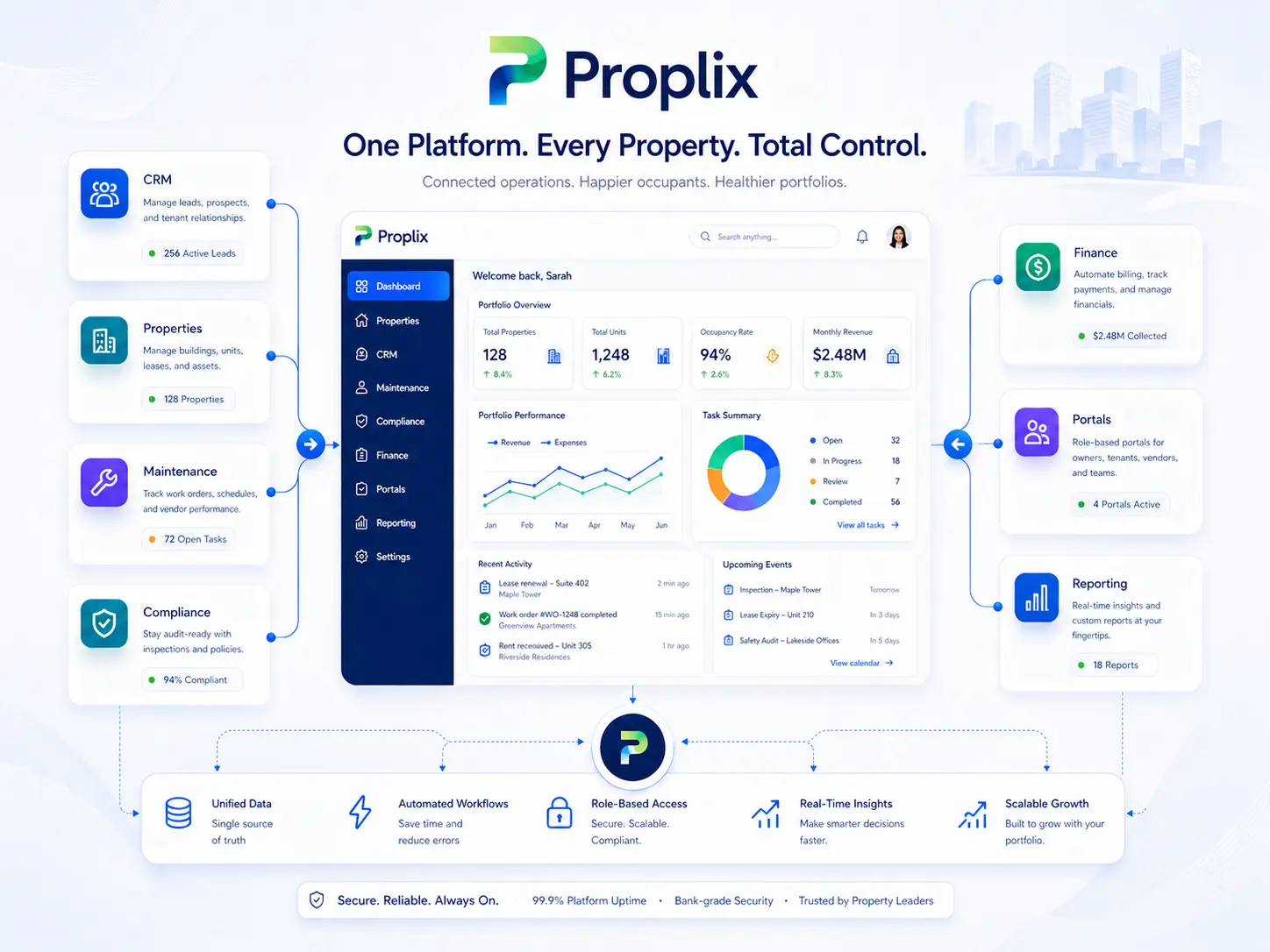
A useful dashboard should help someone decide what to do next. Reporting integration starts with the portfolio questions your team needs to answer, then connects the records and definitions behind each measure.
Microsoft Power BI, Tableau and other data, BI and analytics platforms listed in the catalogue.
These are options available on request. Provider access, licensing, technical feasibility and delivery scope are confirmed before implementation.
Define the questions before the dashboard
Choose a focused set of measures, such as outstanding repairs, upcoming reviews, unassigned work or completion times. Agree how each figure is calculated and which records should be excluded so teams interpret the report consistently.
Choose a suitable data exchange
Depending on the available interfaces, the solution may use scheduled exports, supported APIs or a reporting store. Agree the refresh interval, historical coverage and how corrections to source records appear in later reports.
Protect detail as well as totals
Separate portfolio summaries from records containing personal or financial information. Test user access, exported data and drill-down views. Make refresh failures visible, and give staff a way to reconcile a dashboard figure with the underlying operational records.
Questions about reporting & analytics
Will a dashboard always show live data?
Not necessarily. The refresh interval depends on the agreed design and supported interfaces. Reports should clearly show the period and latest successful refresh.
Can we use our existing reporting tools?
Yes, they can be assessed as part of the scope. Access, licensing, data availability and security requirements determine the practical approach.
Prepare a useful first conversation
Tell us which systems you use, the records that need to move and the problem you want to solve. Include your current subscriptions, expected volumes and the people responsible for approval and support.
Bring one real workflow to a Proplix walkthrough. Explore the records, handovers and decisions that matter to your team, then agree a practical next step.
Proplix · One Britixo accountOne account for Proplix and Britixo servicesUse your Britixo account to manage your companies, services, billing and support. Product access depends on your approved services.Try Proplix free for 14 days · No billing details required · No obligation · Secure email and WhatsApp activation.